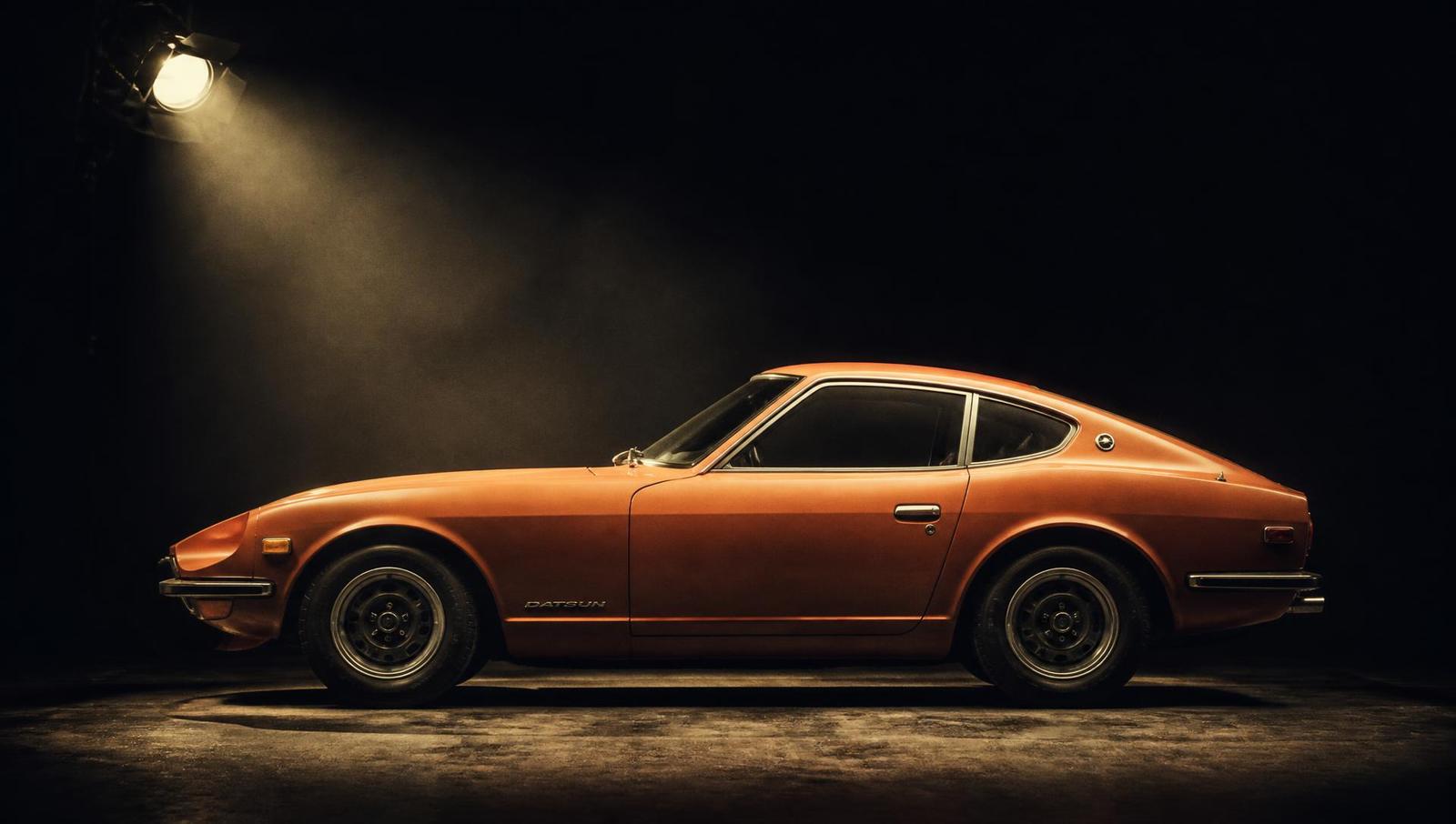
A television vehicle list rarely stops at the lead character's car. A shop delivery, a bus outside a school, a contractor's truck or a camper in a travel sequence can establish the world just as clearly. TV production vehicle hire brings those on-screen requirements into one brief, while leaving crew transport and facilities to the companies equipped to provide them. For a brief centred on character cars, start with TV car hire.
Which vehicles does a TV production need on screen?
It depends on the script. Beyond the characters' cars, a series may need delivery vans, buses, trucks, campers, taxis or police and emergency lookalikes to build its world. These are picture vehicles seen on camera, not crew facility units. Send the scenes, dates, locations and how each vehicle is used, and we check suitable options with owners.
As of October 2026, the catalogue lists 2,500+ cars.
Updated
TV vehicle hire UK: what's covered
TV vehicle hire covers the vehicles a production needs on screen, whatever the genre: the detective's saloon, the shop's delivery van, the bus at the stop, the camper on the holiday story and the taxi at the rank. Vehicles for TV production range from a single hero car to a full street of period traffic, and one brief can cover the lot.
On-screen vehicle hire is about what the camera sees. Tell us each vehicle's role, period and planned use, and we check the options with owners. For the wider vehicle categories, see picture vehicle hire UK; for London taxi scenes, see black cab hire.
Picture vehicles, not facility units
The distinction is the camera. A motorhome seen as a family's holiday vehicle is a picture requirement. A motorhome used only for crew welfare is a facilities requirement. The same is true of vans and trucks: their appearance in the script is different from their usefulness behind the scenes.
We source vehicles to appear on camera; we don't run welfare, honeywagon, catering or unit-base facility vehicles. Productions use specialist facilities companies for those. An on-screen vehicle should not be assumed to include toilets, power, catering equipment, accommodation services or a unit-base package. Tell us if the scene needs an interior, an opening hatch or a working feature, so that particular use can be checked rather than inferred from the vehicle type.
The on-screen list, by vehicle type
Browse the live catalogue categories below. Counts describe listings, not confirmed availability, and a vehicle can belong to more than one category. The brief establishes which real vehicles could work for your dates and scene.
- Vans and commercials — 100
- Buses and coaches — 10
- Trucks and lorries — 24
- Motorhomes and campers — 34
- Police and emergency — 93
- Taxis — 32
- Saloon cars — 91
Vans and commercials can suggest a trade or a business. Buses and coaches place a crowd in transit; lorries establish deliveries and industrial settings. Campers suggest a journey or a temporary home. Police lookalikes and taxis carry specific visual expectations, so period, country and markings belong in the initial brief.
By production type
Drama. Start with the script's place and year, then separate featured vehicles from the street around them. A recurring commercial vehicle can be as closely tied to a character as their car. Share visual references for body shape, condition and any business identity the art department needs.
Soaps. Returning locations make continuity especially visible. A taxi, shop van or parked car may need to recur across separate blocks. Share likely return dates and flag which vehicles are essential to the story, rather than treating every background position as equally fixed.
Factual. State whether the vehicle appears in a reconstruction, a demonstration or a presenter sequence. Historical settings need a date and context; contemporary sequences need a clear account of what the presenter or contributor will do in and around the vehicle.
Entertainment. A reveal, arrival or studio sequence may need unusual access, a short movement or a particular view inside. Give us the stage dimensions and intended camera position where relevant. A vehicle that fits the visual idea still needs to fit the entrance and holding area.
Commercials for TV. Match the vehicle list to the treatment, not simply the broadcast format. A background delivery van, featured taxi and hero car can have different appearance requirements. Flag branding, dressing and any product interaction before an owner is asked to approve the proposed use.
Planning numbers and continuity
Count positions in the frame, not just vehicles mentioned in the script. Identify arrivals, parked positions and moving background traffic separately. A wide street view may need a different mix from a close conversation inside one cab. Share a plan or reference frame where it helps explain the relationship between vehicles.
Build a schedule for each recurring vehicle, including travel between locations and likely standby. Mark firm dates separately from provisional ones. If continuity matters, record the colour, exterior dressing and visible interior details that must remain consistent. We can discuss those requirements with owners, but neither a catalogue listing nor an early enquiry reserves a vehicle across a series.
Moving vs static
A parked bus used as a backdrop is a different brief from a bus pulling up with cast aboard. Say whether the engine runs, who drives, how far the vehicle moves and whether passengers or equipment are carried. Repeated takes, reversing, road surfaces and access can change the practical discussion even when the vehicle looks identical on camera.
For planned driving, read action vehicle hire. For parked streets and passing traffic, see background vehicles for film. Marked lookalikes need a more specific conversation: our police car hire for filming guide outlines questions to raise. Stunt and precision driving stay with the production's specialist team.
How booking works
Send a brief with the scenes, dates, locations and vehicle roles. Include must-have appearances, acceptable alternatives and the planned activity. We consider suitable options, check the real vehicles with owners and bring practical questions into the shortlist. Representative catalogue photographs are visual references; owner-supplied photographs carry the Owner photo label.
Once the production chooses an option, the production arranges picture-car insurance naming the owner. Dates, call times, driving and on-set use need to be agreed before booking. Keep changes visible to everyone involved, especially when a static shot becomes a driving scene or a vehicle is asked to return on another day. See how CarSeen works for the wider process.
What affects the cost
Quotes depend on the actual vehicle, dates, duration and proposed use. Transport for a larger vehicle, a specialist driver, holding space and standby can matter alongside the time on camera. Interior filming or repeated movement may need a different arrangement from a stationary exterior shot. There is no universal rate that describes all of those jobs.
Give us the full schedule rather than the shortest possible shooting moment. Explain any travel, return days and likely changes. If the treatment has flexibility, say which features are essential and which are preferred. That lets alternatives be considered without promising a saving or a vehicle before its owner has confirmed the job.
Vehicles to consider for the screen
These catalogue examples span the wider on-screen list. They are starting points for a brief, not a promise that a listed vehicle is available or equipped for a particular task.
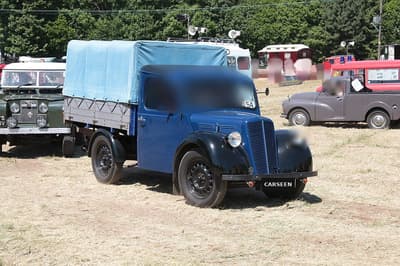
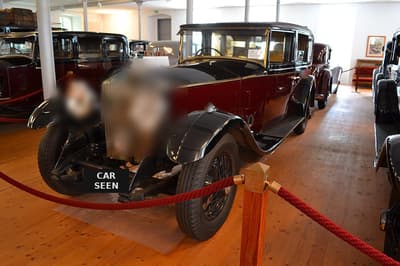
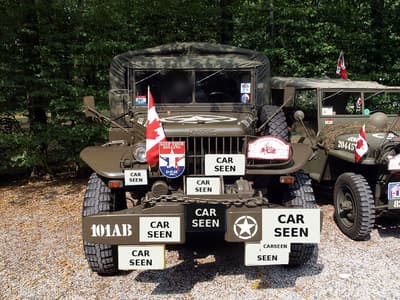
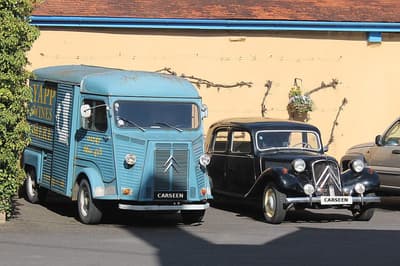
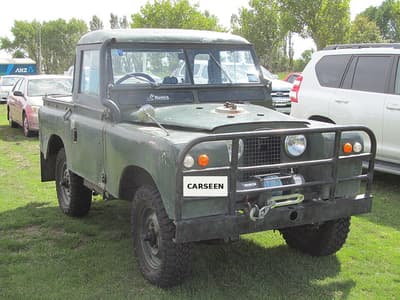
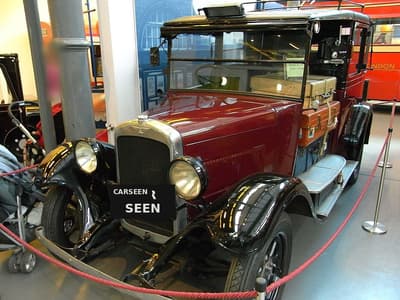
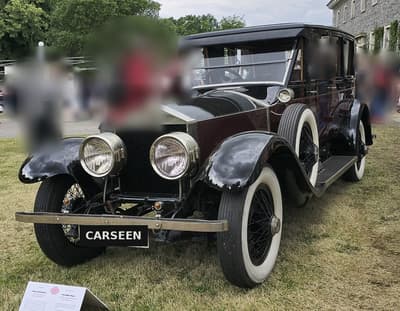
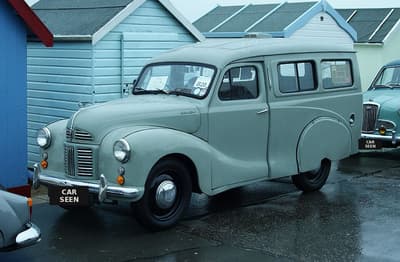
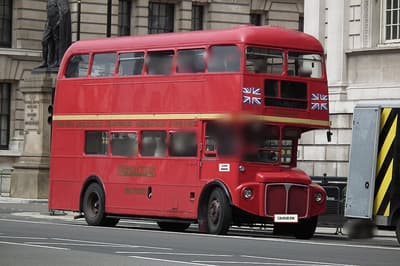
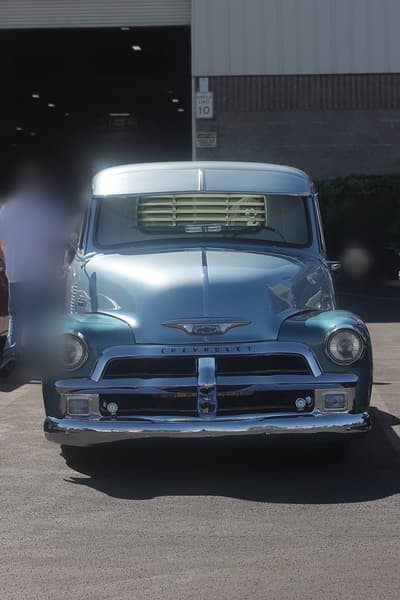
Five catalogue vehicles that often help a first conversation: 1951 Morris 10Cwt, 1931 Rolls-Royce Phantom, 1943 Dodge WC51, 1956 Citroën H, 1961 Land Rover Series 2. Each one can be briefed. The shortlist for your dates may be different, and availability is confirmed with the owner.
From the script to a vehicle list
A vehicle breakdown is easier to brief than a pile of scene numbers. Read the script once for the story and again for anything with wheels. Note each time a character arrives, leaves, sits in traffic or is seen through a window with a street behind them. Dialogue inside a car is a picture vehicle. A wide shot of a high street is a group of them. Unit minibuses, honeywagons and the art-department van are not on this list: those stay with transport and facilities companies.
Separate the list into three columns before you send it. Featured vehicles are the ones a character uses, or the ones the camera stays on. Background vehicles dress the street, the car park or the driveway and are often booked as a group. Action vehicles have a job in the take: they pull up, pass through, carry cast or open a door on cue. The same model can sit in more than one column on different days. Say which day is which, so the owner is asked about the actual use.
For a returning series, add continuity. Write down colour, visible wear, roof racks, child seats, business livery and anything the art department will add or remove. Tell us which dates are firm and which are only a hold. A catalogue listing does not reserve a vehicle across a series. Owners confirm the dates they can actually do, and a vehicle that worked on block one may not be free for block four.
What to settle before anyone is asked
Send the scenes, the dates, the locations and how each vehicle is used. Include call time and wrap when you know them, and say whether the vehicle is needed at unit base, on location, or both. If a second unit needs the same car on the same day, say so. Two units usually means two vehicles, or a schedule that keeps one vehicle in one place.
Say who drives. An owner driving their own vehicle, a cast member, or the production's specialist driver are different conversations, and the owner needs the planned use before they agree. If the shot is dialogue inside a car that appears to move, say whether you expect a low loader, a tracking vehicle or a static set-up with lighting. The method changes which vehicles are suitable and how the day is planned. Our guide to filming driving scenes sets out the usual methods. Stunt and precision driving stay with the production's specialist team.
Mark anything the camera will see that is not the vehicle as supplied: period plates, covered badges, a fictional company name, doors used as a frame, or an interior dressed with props. Owners agree changes before the booking. If a working feature matters, such as a tail lift, a destination blind or a sliding door, name it. Do not assume a feature in a photograph is approved for the scene, or that it works.
Interior use needs its own line. Filming in the back of a van, a bus or a motorhome is a picture requirement. Using that same vehicle as a green room, a toilet or a catering base is not something we supply. If both are in the plan, keep them as separate lines so the picture vehicle is not asked to do a job it was not booked for.
Holding, resets and wrap
Vehicles need a holding place that is not the shot, with room to turn the larger ones. Share access widths, weight limits and any parking suspension with the brief when you have them. A coach that looks right on camera can still be the wrong practical choice for a narrow mews. It is better to know that before an owner is asked to travel.
Between takes, older engines often prefer to be switched off rather than left idling, especially in warm weather. Build reset time into the schedule instead of assuming a vehicle can repeat a move immediately. If the move becomes longer, faster, or moves onto a public road that was not in the brief, pause and agree it. A static booking does not become a driving booking because the shot developed on the day. Public-road filming is the production's permission to arrange; filming car scenes on public roads collects the questions to raise, and London units should also read picture car hire in London.
At wrap, agree where the vehicle is released, who checks it back and whether dressing has to come off before it leaves. Continuity photographs of the dressed vehicle, taken by the production, are the simplest way to match it on the next block. Send the next dates as soon as they are real. We can ask an owner. We cannot promise they are free. The wider booking path is on how CarSeen works.
Why CarSeen
- 2,500+ cars in the catalogue
- Based in Shoreditch, London, sourcing from owners across the UK
- Our team have worked with productions for film, TV and advertising — see our credits
- How we protect owners: owner-submitted listings use the owner's own photos with plates covered, and never show names, addresses or registrations
FAQ
What does TV production vehicle hire cover?
Vehicles that appear on camera: cars, vans, commercials, buses, coaches, trucks, motorhomes, police and emergency lookalikes and taxis. We source them for the scene and confirm the planned use with owners.
Do you provide welfare or unit-base facilities?
No. We source picture vehicles, not welfare, honeywagon, catering or unit-base facility vehicles. Productions use specialist facilities companies for those services.
Can one brief include cars and commercial vehicles?
Yes. List each vehicle's on-screen role, period, appearance and planned use, along with dates and locations. We can consider the wider vehicle list together, subject to owner availability.
Can vehicles return across episodes?
Tell us every proposed date and any possible schedule changes. We discuss continuity and owner availability before booking; catalogue inclusion does not guarantee a vehicle for an entire series.
Can an on-screen motorhome be used as a crew facility?
An on-screen motorhome is sourced for its role in the scene. Do not assume it includes accommodation, utilities or crew-facility services. Put any planned interior use in the brief; facilities requirements belong with specialist providers.
Who handles driving and stunt work?
The planned driver and movement are agreed before booking. Stunt and precision driving remain with the production's specialist team; we source and coordinate the vehicles with owners.
What affects the cost of TV vehicle hire?
Vehicle choice, dates, duration, planned use, transport, drivers and standby can affect the quote. Share the full schedule and scene requirements so options can be quoted for the actual job.
What belongs on screen?